For Summer 2026 we're introducing our first AI-powered solution to Drupal! This feature uses Google's Vertex AI to generate alt text for your site's images, and will help you resolve missing alt text issues flagged by SiteImprove.
This module is available to all UCR Drupal sites hosted on Pantheon and managed by ITS Campus Web Solutions.
Generating alt text for a single image on upload
The alt text generator feature is available in various places that allows you to upload images. The steps below is from uploading images via Media Library.
- While logged in to your site, in the admin toolbar navigate Content > Media > Add Media > Click on Image
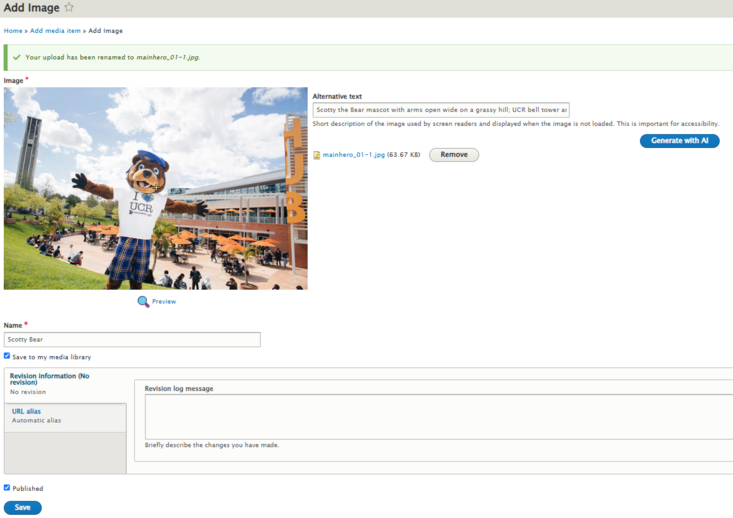
- In the window that follows, click on choose File to open your device's file explorer then select an image to upload.
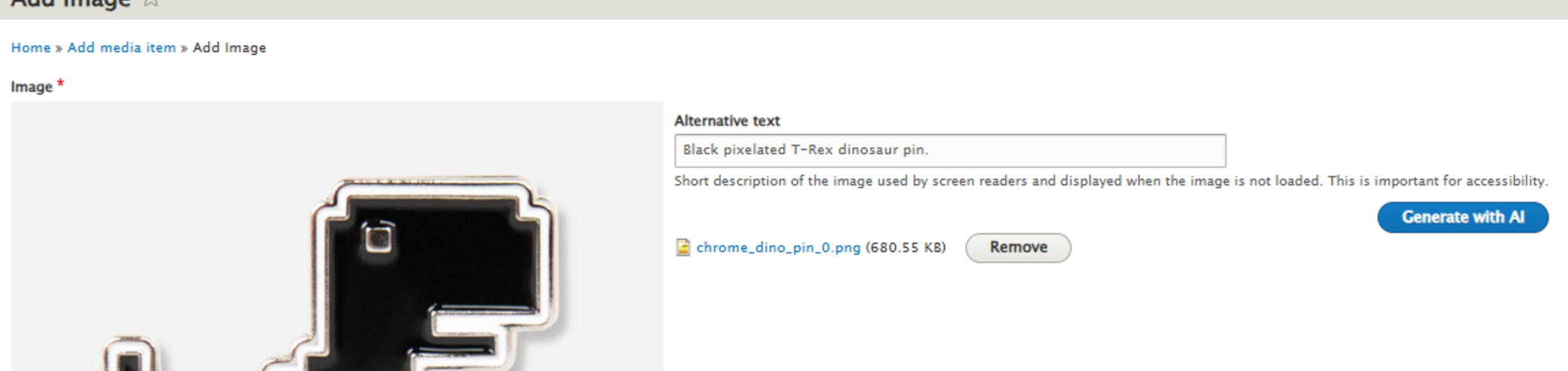
- Once it's ready, you'll notice the Alternative text field now has a button labeled Generate with AI. Click this button to generate an alt text for the uploaded image. You can generate alt text until it creates one to your liking.
- Give the file a name
- Click Save
Bulk Generating Alt text for all images on your site
Now to the best part! This module also detect ALL images in your site that doesn't have alt text. To fix this Accessibility problem,
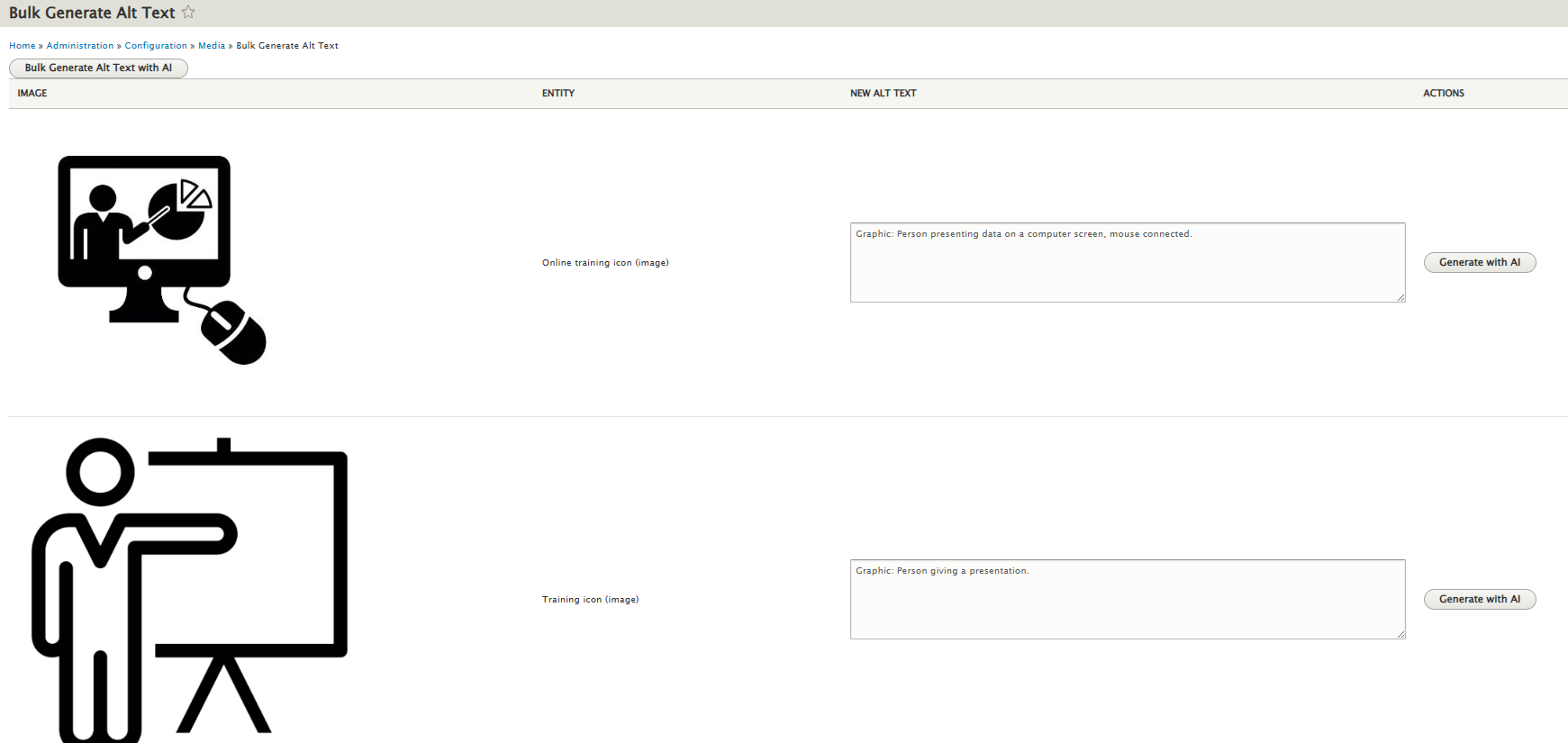
- While logged in, in the admin toolbar, navigate Configuration > Media > click on Bulk Generate Alt Text with AI.
- This page will automatically detect all images of your site missing alt text.
- On the top right corner of the page there is a button labeled Bulk Generate Alt text with AI. Click this button to let Vertex AI generate alt text for all detected images.
Note that this page also lets you generate alt text individually. Also, the number of images missing alt text may affect processing time. - Scroll to the bottom and click Save.